Print-ready file checklist: 7 things to check before your artwork goes to the printer
Most print mistakes aren't design mistakes — they're file mistakes. And they're far cheaper to catch on screen than on 5,000 brochures.
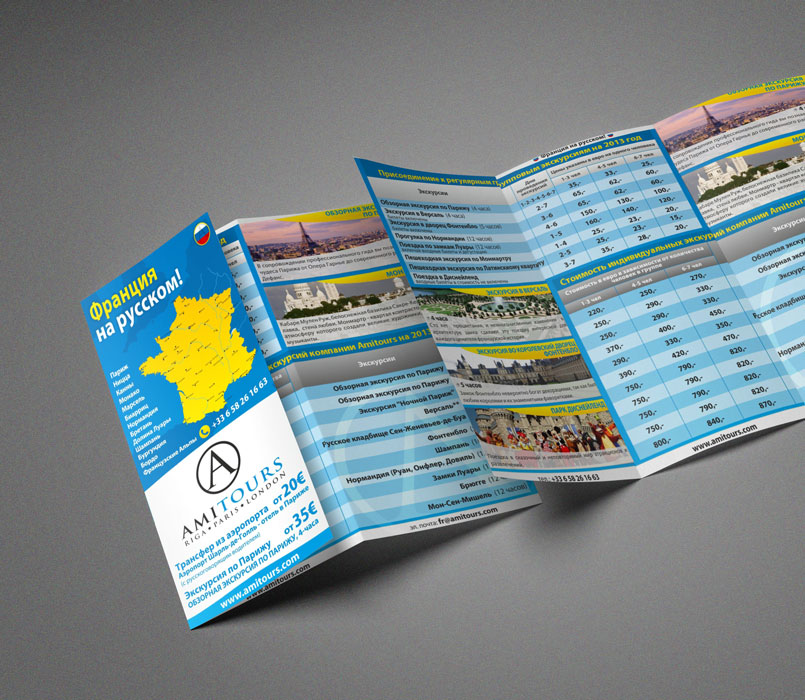
A printer will print exactly what you give them. If there's a mistake in the file, it'll be in every single copy. Here are the seven things I check on every layout before it goes off to print.
1. Bleed — 3 mm beyond the trim
If a background or photo runs to the edge of the page, it needs to carry on for another 3 mm past the trim line. Trimming is never accurate to the millimetre, and without bleed you can end up with a thin white sliver along the edge. Some print shops ask for 2 or 5 mm, so check their spec first.
2. Safe area — keep text away from the edge
Text, logos and phone numbers should sit at least 3–5 mm inside the trim line. Anything that looks "right up to the edge" in the layout may well get cut off in the finished piece.
3. CMYK, not RGB
A screen shows light; paper shows ink. Bright RGB greens, blues and oranges come out noticeably duller in print. Convert the file to CMYK before handing it over and look at the result with your own eyes. If a brand colour has to be spot-on, use a Pantone.
4. Images — 300 dpi at final size
An image pulled off a website looks fine on screen but turns into a mosaic in print. Flyers and brochures need 300 dpi at final printed size. Large posters and banners can get away with less, because people view them from a distance.
5. Fonts — embedded or converted to outlines
If a font isn't embedded in the PDF, the printer's computer may swap it for something completely different. The result: line lengths, hyphenation and the whole layout shift.
6. Black isn't just one colour
For small text, use pure black (100% K), so the letters aren't split across the colour plates and don't go fuzzy. For large black areas, use a rich black (for example C60 M40 Y40 K100), so they don't look greyish. Ask your printer for their exact recipe.
7. The final file — a print-ready PDF
Supply a PDF/X file with bleed and, if the printer asks for them, crop marks. Don't send Word, PowerPoint or JPG files — they aren't made for print.
A small habit that saves money: before printing the full run, ask for a single proof. Especially if colour matters or the paper stock is unusual.